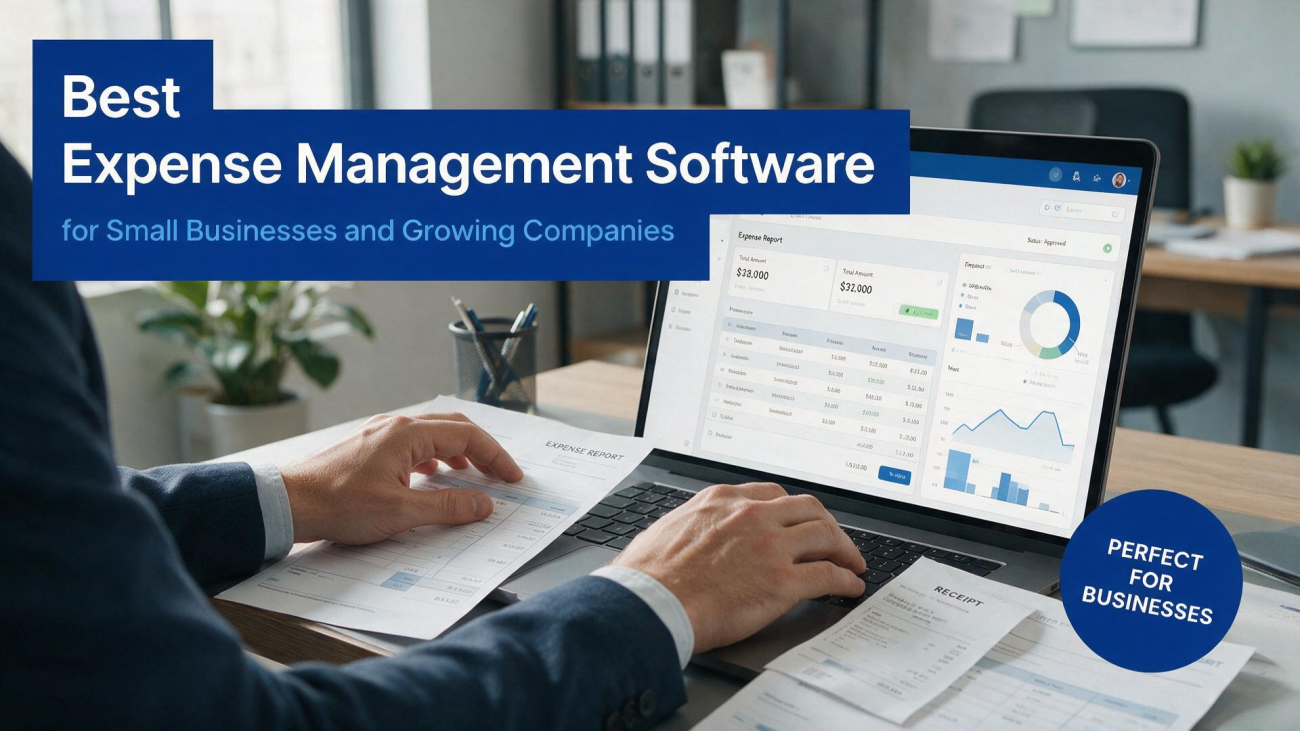
Every growing business hits the same wall eventually. In the early days, expense tracking is a shoebox of receipts and a spreadsheet that someone updates when they remember. It works, more or less, until it doesn't. Suddenly there are ten
employees with company cards, a handful of contractors submitting invoices, a travel budget that's hard to monitor, and an accountant asking pointed questions at year-end that nobody can answer. That's the moment when the spreadsheet stops being charming and starts being expensive. The right software fixes the problem, but the market is crowded, the pricing models are inconsistent, and a lot of the tools look similar in a demo. Choosing well requires knowing what you actually need before you start shopping.What Expense Software Should Actually Do
At its core, expense management software does three things: it captures spending, it routes that spending through an approval process, and it produces records that satisfy your accountant and the IRS.
The best expense management software does those three things with minimal friction, which is the part that's harder than it sounds. If capturing a receipt takes more than a few seconds, employees will stop doing it. If the approval process is convoluted, managers will approve things in batches without looking. If the records are messy, your bookkeeper will spend hours cleaning them up at month-end, and you'll pay for that time.The capture piece has improved dramatically in recent years. Mobile apps let employees snap a photo of a receipt and have the details extracted automatically using optical character recognition. Some tools go further and integrate directly with corporate cards, so transactions appear in the system the moment they're swiped, with the receipt matched automatically. The best systems handle the edge cases too—a meal receipt with a handwritten tip, a foreign currency transaction, a recurring subscription that doesn't generate a physical receipt. The fewer manual steps, the more likely the data is accurate and complete.
The approval workflow is where corporate expense management gets interesting, because it's where policy meets reality. A good system lets you set rules—spending limits by category, approval thresholds by amount, required documentation for certain expense types—and enforce them automatically. When an expense falls outside policy, the system flags it and routes it to the right person for review. That's better than a monthly audit, because it catches problems before they become patterns. It also protects employees, who can see clearly what's allowed rather than guessing and hoping for reimbursement.
The reporting piece is what your accountant cares about most, and it's where cheap tools often fall short. You need expenses categorized correctly, mapped to the right general ledger accounts, and exportable in a format that works with your accounting software. The best platforms integrate directly with QuickBooks, Xero, or NetSuite, so the data flows without manual re-entry. They also handle the tax details—mileage deduction rates, per diem rules, VAT recovery for international travel—that can save real money if they're handled correctly and cost real money if they're not. This is where business expense tracking software earns its keep, because the alternative is a bookkeeper reconstructing everything from a pile of paper.
Where Automation Actually Helps
The word "automation" gets thrown around a lot in software marketing, so it's worth being specific about what expense automation tools can and can't do. What they can do well is handle repetitive, rules-based tasks. Matching receipts to card transactions, categorizing expenses based on merchant codes, routing approvals to the right manager, syncing data to accounting software—these are tasks where automation saves real time and reduces errors. What they can't do is exercise judgment about whether an expense was reasonable, or whether a receipt that looks suspicious actually is. That still requires a human, and any vendor that suggests otherwise is overselling.
The automation that matters most for small businesses is the kind that eliminates the reimbursement cycle. Traditional expense reports require an employee to pay out of pocket, submit a report, wait for approval, and then wait for reimbursement. That's a burden on employees and a headache for finance. Corporate cards with automated receipt capture eliminate most of that cycle, because the transaction is already in the system and the receipt is attached before the employee even thinks about it. The best systems combine cards with software in a way that feels seamless, and the difference in employee satisfaction is noticeable.
Recurring expense management is another area where automation pays off. Subscriptions, software licenses, rent, and utilities tend to be paid automatically, which means they can slip through the cracks if nobody's watching. A good system tracks recurring expenses, flags when a subscription renews at a higher price, and identifies duplicates—two teams paying for the same tool, for example. For a growing company, that kind of visibility can pay for the software itself. It's not glamorous, but it's the kind of detail that separates companies that control their spending from companies that just record it after the fact.
Integration is the quiet workhorse of small business financial software, and it deserves more attention than it gets. The value of an expense tool depends heavily on how well it connects to the rest of your financial stack. If it syncs cleanly with your accounting software, your bookkeeper saves hours. If it connects to your payroll system, reimbursements can flow through payroll. If it connects to your bank, reconciliation becomes easier. The tools that treat integration as an afterthought tend to feel like a separate silo, which is exactly what most businesses are trying to escape.
Matching the Tool to the Size of the Business
The right software for a five-person startup is not the right software for a fifty-person company, and the right software for a fifty-person company is not the right software for a five-hundred-person enterprise. The mismatch usually shows up in two places: complexity and price. A tool designed for enterprises will have features a small business doesn't need and a setup process that requires dedicated IT resources. A tool designed for freelancers won't have the approval workflows or the reporting depth that a growing company needs. The sweet spot is usually a platform that scales with you, adding features as the business grows rather than forcing a painful migration later.
For very small businesses, simplicity wins. A tool that does receipt capture, categorization, and accounting integration well is usually enough. The pricing should be per-user and predictable, without a long contract or a complicated implementation. The best options in this category are the ones that a non-accountant can set up in an afternoon and that employees actually use, because the system is only as good as the data going into it. Best expense management software in this tier is judged on adoption as much as on features.
For growing companies, the requirements shift toward control and visibility. You need approval workflows that can be customized by department, spending limits that can be enforced automatically, and reporting that gives leadership a clear picture of where money is going. You also need the system to handle more complex scenarios—multi-entity accounting, international expenses, project-based cost tracking. This is where the mid-market platforms shine, and it's also where the pricing gets more complicated. Some charge per user, some charge per transaction, some charge a platform fee. Understanding the total cost at your expected volume is essential before you commit.
For larger companies, the considerations shift again toward integration, compliance, and scalability. You need a system that can handle thousands of users, integrate with multiple ERP systems, and satisfy audit requirements. You also need a vendor with the support infrastructure to handle issues quickly, because a system outage at month-end is a serious problem. The enterprise platforms are more expensive, but they're also more robust, and the cost is justified by the complexity they handle. The corporate expense management market has matured to the point where there are credible options at every size tier, which is good news for buyers.
Common Mistakes Buyers Make
The first mistake is buying on price alone. Expense software is not a category where the cheapest option is usually the best, because the cost of a bad tool shows up in employee time, accounting cleanup, and missed deductions. A tool that saves a few dollars per user per month but that employees avoid using is a net loss. The second mistake is underestimating implementation. Even simple tools require some setup—connecting bank accounts, configuring categories, importing employee lists—and the vendors that provide good onboarding support are worth paying a premium for. The ones that hand you a login and wish you luck are telling you something about the rest of the relationship.
The third mistake is ignoring the employee experience. Expense software only works if employees use it, and employees only use it if it's easy. A tool that requires a dozen clicks to submit a coffee receipt will be abandoned, and the finance team will be back to chasing paper. The best platforms treat the employee experience as a core feature, not an afterthought, because they understand that the data quality depends on adoption. When you evaluate a tool, put yourself in the shoes of the employee who has to use it on a business trip, and ask whether the process feels reasonable.
The fourth mistake is failing to plan for growth. A tool that works for ten employees may not work for fifty, and migrating to a new system is painful. The better approach is to choose a platform that can scale with you, even if you don't need all the features today. That doesn't mean buying the enterprise tier on day one—it means choosing a vendor that has a clear path from where you are to where you're going. The business expense tracking software market has options that scale from small teams to large organizations, and the vendors that serve both ends of the market tend to be the most reliable choices.
Making the Decision
When you're evaluating options, run a real test rather than relying on a demo. Import a month of actual expenses, connect a real card, and see how the system handles the messy cases—the receipt with no image, the foreign currency transaction, the expense that falls just outside policy. Check how long it takes to get a report that your accountant would accept. And talk to the support team before you buy, because the quality of support is a leading indicator of how the relationship will go when something goes wrong.
The right platform should feel like it's removing work from your life, not adding to it. It should make employees' lives easier, give finance better visibility, and produce records that stand up to scrutiny. The expense automation tools that have emerged in recent years are genuinely good, and the competition has pushed prices down and quality up. For most small and growing businesses, the question isn't whether to adopt one of these tools—it's which one fits the way you actually work. Get that right, and expense management stops being a headache and becomes what it should have been all along: a quiet, reliable part of the business that nobody has to think about.
